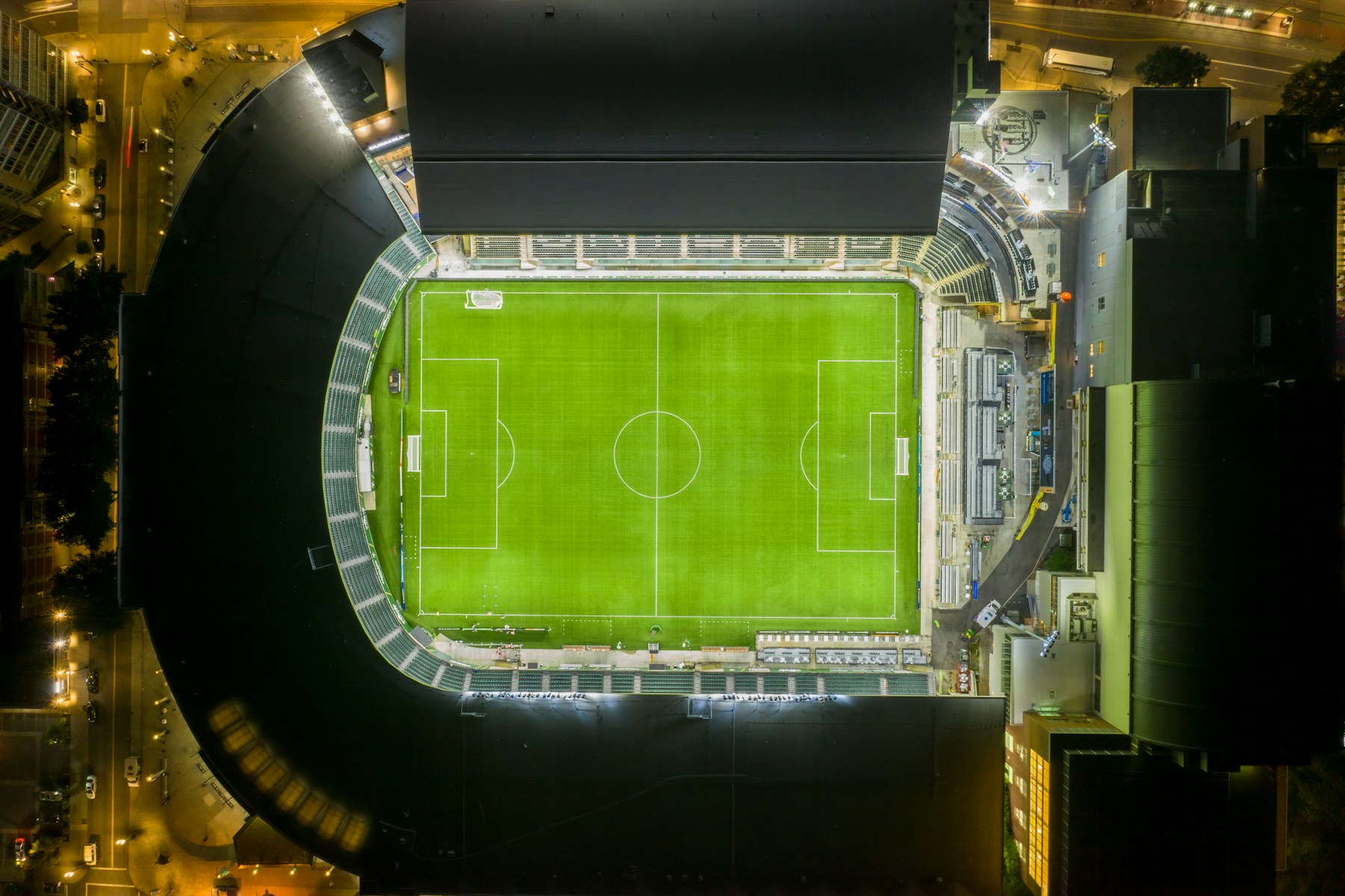
Drone live streaming sends video from the drone's camera to the ground and on to viewers in real time: the drone's video link carries the picture to the controller, then a mobile connection or a broadcast encoder pushes it to a streaming platform, a control room or a TV production. Yes, drones can live stream: most enterprise drone apps can send video straight to a streaming server, and broadcast productions add dedicated transmitters for higher quality and lower delay. The hard parts are reliable connectivity, keeping delay low, and flying legally near people, which at events usually needs the specific category.
This guide covers how drone streaming works, the equipment options, common uses, latency, the rules and how to plan a live flight.
Table of contents
How drone live streaming works
Camera. The drone's camera, or a separate broadcast camera on a larger drone, captures the video.
Video link. The drone's own radio link sends the picture to the pilot's controller. Broadcast setups often add a separate transmitter that sends the camera feed straight to the production team.
Encoder or app. The controller app, or a hardware encoder connected to the controller or receiver, compresses the video into a stream.
Uplink. The stream travels over 4G or 5G, a bonded cellular unit, satellite or a wired connection.
Destination. A streaming platform such as YouTube or Facebook, a private video server, a command centre, or a broadcast truck.
Drone video streaming solutions compared
| Setup | How it works | Best for | Trade-offs |
|---|---|---|---|
| App streaming | The drone app pushes the feed to an RTMP server over the controller's mobile connection | Social media, internal viewing, simple events | Depends on mobile coverage; quality limited by the controller |
| Fleet management platforms | Video shared through a cloud platform to people logged in from anywhere | Inspections, security, emergency services | Subscription costs; needs internet at the take-off point |
| Hardware encoder and bonded cellular | Video output from the controller or receiver goes to an encoder that combines several mobile connections | Professional events and news | More equipment and crew |
| Broadcast transmitter | A dedicated radio link sends broadcast-quality video from the drone to a production receiver | TV sport, concerts, live broadcast | Highest cost; frequency licensing may be needed |
| Tethered drone | Power and data run through a cable, so the drone can stream for hours | Long events, security, incident command | Fixed position, limited height |
For long or fixed-position coverage, see our guide to tethered drones.
What drone live streaming is used for
Events and broadcast. Aerial shots for concerts, sport, festivals and product launches.
Crowd and traffic management. A live overview for event control and police. See our guides to drones for crowd control and traffic monitoring with drones.
Emergency response. Fire, rescue and police teams see the scene before they arrive. See drones for search and rescue and drone as first responder.
Remote inspections. Engineers and clients watch an inspection live from the office and direct the pilot to areas of interest.
Construction and real estate. Live site tours for stakeholders who cannot travel. See our guide to drones in construction.
Infrastructure incidents. Live views of storm damage on railways, power lines and telecom networks. See our guide to drone railway inspection.
Latency and video quality
Latency is the delay between something happening and viewers seeing it. Every step adds delay: the drone's radio link, encoding, the mobile network and the streaming platform. Standard social media streaming adds the most delay, which is fine for audiences but not for people making decisions. For command centres and event control, use low-latency settings or private platforms designed for real-time video.
Bandwidth. Upload speed at the take-off point decides the stream quality. Test it before the event, because mobile networks slow down when a crowd arrives.
Bonding. Combining several mobile connections makes streams more reliable at busy events.
Resolution. 1080p is usually the best balance between quality and reliability for live use; record full quality on the drone at the same time.
Rules, privacy and rights
Live streaming does not change the drone rules, but events often do. In the EU, drones must never fly over assemblies of people in the open category, so streaming over or near a crowd normally needs the specific category and an operational authorisation. Large events often have temporary airspace restrictions; check our no-fly zone guide and our guide to EU drone regulations.
A live stream is published as it happens, so privacy matters more than with recorded video. Avoid showing identifiable people where you do not need to, tell the audience that drones are filming, and agree with the event organiser who owns the footage and the broadcast rights.
Planning a live drone stream
Define the audience and destination. Public stream, private viewers, event control or a broadcast production.
Choose the setup. App streaming, bonded cellular, a broadcast transmitter or a tethered drone.
Get permissions. Operational authorisation, airspace approvals, the venue's agreement and any frequency licences.
Test connectivity on site. Ideally at the same time of day as the event.
Plan positions and batteries. Where the drone will fly, where it will land, and how batteries or drones will be swapped without losing the stream.
Have a fallback. A ground camera or recorded footage for when the drone has to land.
Limitations
Battery life. Battery drones fly for tens of minutes, so long streams need swaps or a tethered drone.
Weather. Wind and rain can ground the drone mid-event. See our guide to drone weather limits.
Connectivity. Busy mobile networks and remote locations limit stream quality.
Restrictions near people. Rules limit where the drone can fly, which affects the shots available.
Frequently asked questions
Can drones live stream?
Yes. Most enterprise drone apps can push video to a streaming server, and professional setups add encoders or dedicated transmitters for higher quality and lower delay.
What do you need to live stream from a drone?
A drone with a good video link, an app or encoder that creates the stream, an internet connection at the take-off point, a streaming destination and the right flight permissions.
Can I stream drone footage to YouTube or Facebook?
Yes, usually via RTMP from the drone app or an encoder. Expect more delay than private streaming platforms.
How long can a drone live stream?
A battery drone streams for one flight at a time, typically tens of minutes. Swapping drones or using a tethered drone allows streaming for hours.
Do I need permission to live stream with a drone at an event?
Usually. Flights near or over crowds need the specific category in the EU, plus the organiser's agreement and any airspace approvals.


